Control the network
Learn how to block, mock and change network responses.
Playwright allows you to monitor and alter HTTP requests easily.
// Subscribe to and log 'request' and 'response' events
page.on("request", (request) =>
  console.log(">>", request.method(), request.url()),
);
page.on("response", (response) =>
  console.log("<<", response.status(), response.url()),
);

await page.goto("https://example.com");
If you want to wait for a request to finish before continuing with your tests, use page.waitForResponse().
// Wait for a JPEG to be requested after a button click
const responsePromise = page.waitForResponse(/\.jpeg$/);
await page.getByText("Update").click();
const response = await responsePromise;
In tough testing situations sometimes there's no other way than waiting for network call before continuing the test. It's still recommended to test the expected UI instead of network internals.
Mock APIs
Suppose you want to only test your frontend, mocking APIs can speed up your tests tremendously. The page.route() method enables you inject yourself into the network layer and respond with test data.
// Mock an API request
await page.route("**/api/fetch_data", (route) =>
  route.fulfill({
    status: 200,
    body: JSON.stringify({}),
  }),
);
await page.goto("https://example.com");
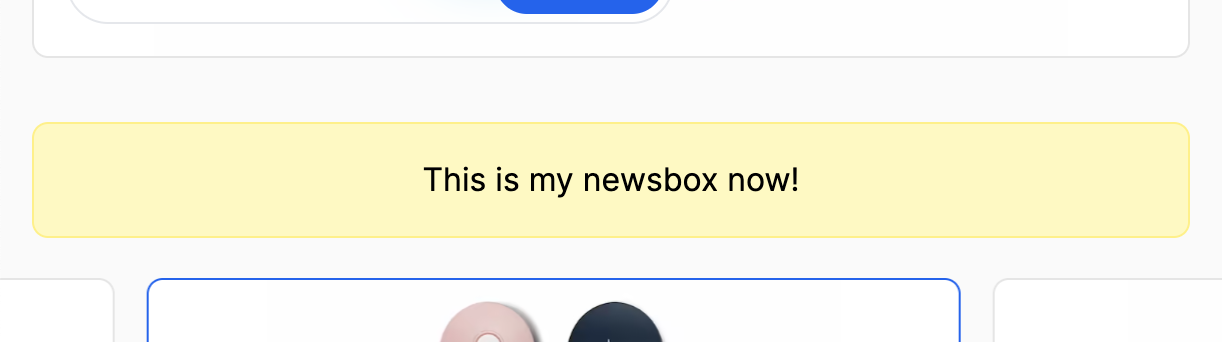
Like so. 👇
Cancel requests
Additionally, if you're running many end-to-end tests it might be valuable to avoid loading images or block analytics requests to not waste bandwidth and speed up your tests. page.route() can do that, too.
// Block and abort all image requests
await page.route("**/*.{png,jpg,jpeg}", (route) => route.abort());
await page.goto("https://example.com");
await browser.close();
Network handling has to be defined early in the page lifecycle. That's why
you should place them in beforeEach or a custom fixture.
💡 If you're stuck, find working examples on GitHub.